Start with the three parts of your setup
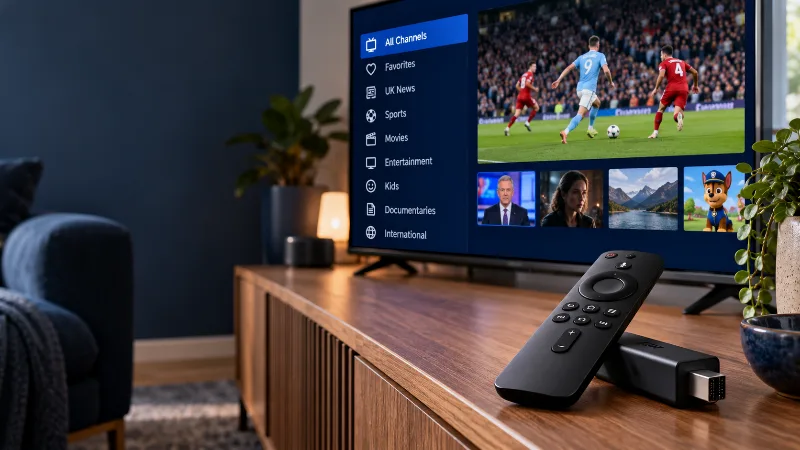
A typical setup combines a device, a player and a source of television content. The device is the hardware you watch on: for example, a compatible Smart TV or streaming stick. The player is the app that presents your playlist, channels and guide. The subscription supplies the service details you connect to that player.
Before buying anything, write down the device model, the player you intend to use and the subscription you are considering. Treat them as three separate entries. This makes it easier to spot whether a quote includes hardware, an app licence, service access or only one of those things.
What an IPTV player includes
A player provides the interface for browsing and playing a compatible source. As one clear example, TiviMate’s official app listing describes it as a media player that does not supply television content. Installing that app alone is therefore different from subscribing to a TV service.
What to confirm about the subscription
Ask which login method is supplied and whether it works with your chosen player. A service may provide a server address with a username and password, a playlist link, or another supported method. Follow the instructions you receive rather than guessing which field should contain each detail.
For BuyBritishIPTV, compare the visible plan duration and total upfront cost on our pricing page. Check your preferred channels and playback during a trial. Do not assume that a picture of a player or a particular device means its separate app licence is included.
Keep the costs in separate columns
Use a short comparison list before you pay: hardware cost, player licence, service subscription and any renewal charge. If an item is unclear, ask for a written answer. Compare the total cost across the period you want to use the setup, rather than comparing only a headline monthly equivalent.
A longer service plan can reduce its monthly equivalent, but it also means paying more upfront. A free trial is useful for checking compatibility before choosing a longer duration. Your decision should reflect the device and connection you will actually use, not somebody else’s setup.
A simple pre-purchase checklist
If you already own a compatible device, begin there. You may be able to check the player and test the service before deciding whether any new hardware is worthwhile.
- Confirm the exact device model and whether your chosen player is available for it.
- Check which login format the player accepts.
- Separate player fees from the television subscription price.
- Test your preferred channels, guide and on-demand playback on your own connection.
- Read the duration and renewal terms before paying.
Your next step
Use what you learned on your own device, then choose a setup or plan that answers your needs.